Importer Options
Image Extraction
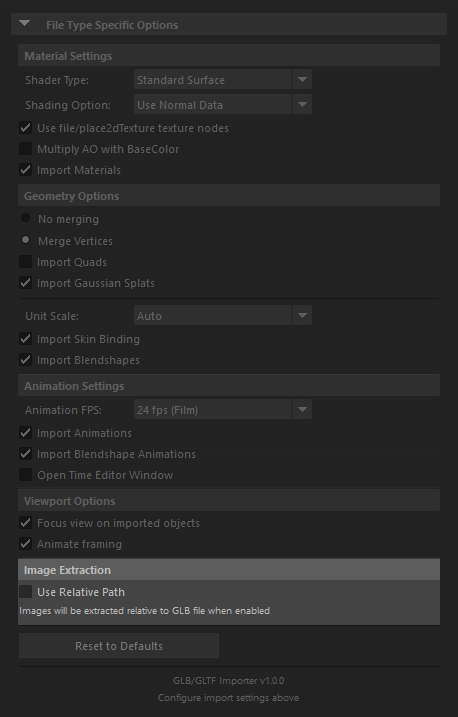
When importing glTF or glb files, you can choose where extracted texture maps are saved by using the Use Relative Path option.
Texture Map Save Locations
Use Relative Path Unchecked (Default)
When the "Use Relative Path" checkbox is unchecked, images will be saved in the default Maya sourceimages directory or project directory:
For example:
Use Relative Path Checked
When the "Use Relative Path" checkbox is checked, texture maps will be saved relative to the location of the imported GLB files.
This option is useful when you want to keep your textures organized alongside your model files or when working with portable project structures.